
Consent Collection
The contract form includes a comprehensive consent section that collects customer preferences for communication and data processing.
Required consents
Section titled “Required consents”Data processing
Section titled “Data processing”Always shown and always required. The customer must acknowledge that their data will be processed by your company and inkStar for the purpose of the contract.
Terms of Service
Section titled “Terms of Service”Shown when the template has Terms of Service enabled. The customer can tap the link to view the full terms before accepting.
Communication preferences
Section titled “Communication preferences”The customer can optionally opt in to the following communication preferences:
Notification consent
Section titled “Notification consent”- Email notifications - Permission to send email appointment reminders
- SMS notifications - Permission to send SMS appointment reminders
Marketing consent
Section titled “Marketing consent”- Email marketing - Permission to send email marketing messages
- SMS marketing - Permission to send SMS marketing messages
Consents on the customer profile
Section titled “Consents on the customer profile”When the contract is submitted, all consent choices are automatically saved to the customer’s profile. You can see these consents in the Consents section on the customer’s contact page.
When no consents have been given yet, the circles next to each consent type are empty.
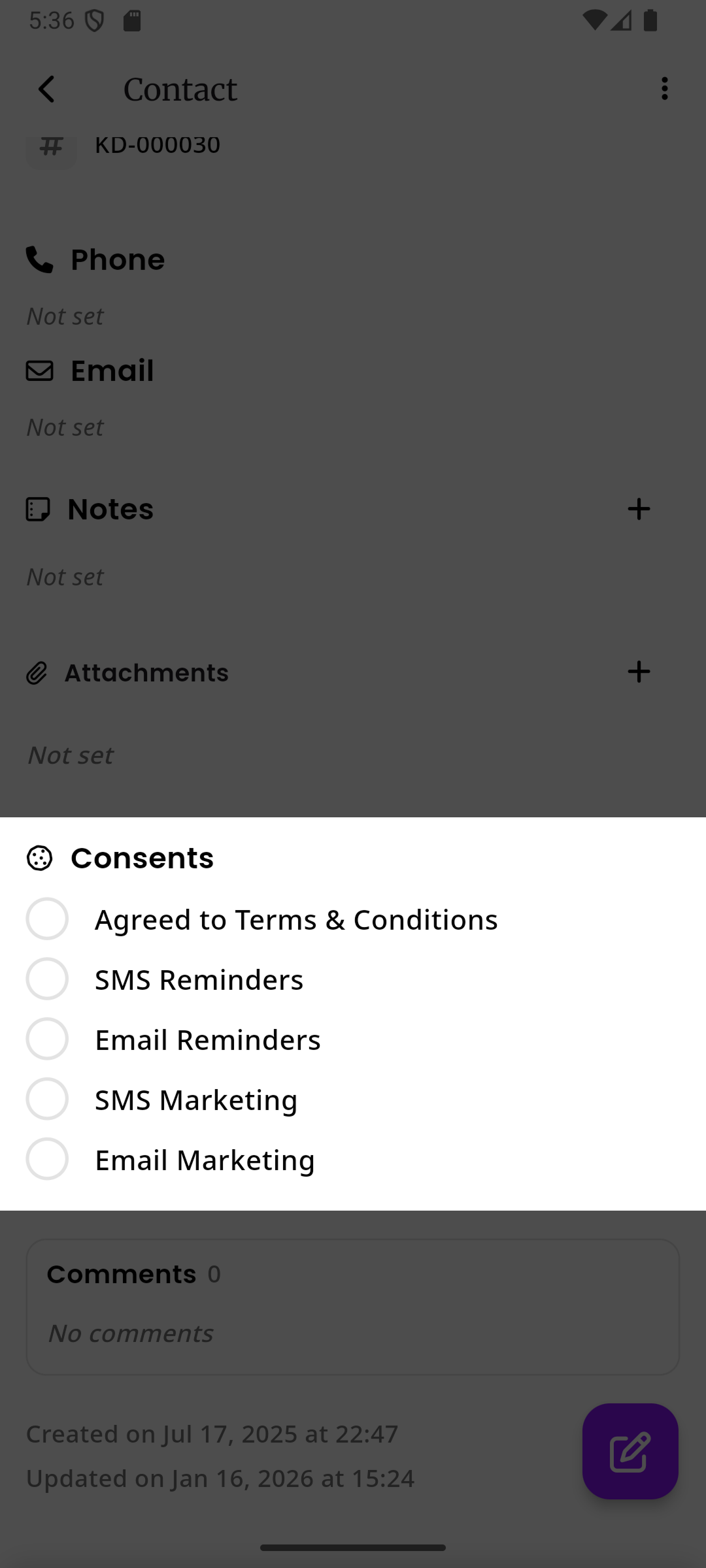
When a customer gives consent through a contract, the circle turns purple with a check mark and a timestamp is displayed below the consent name showing when the customer consented.
Each consent is stored with the exact date and time it was given, providing a clear audit trail for GDPR compliance.