
Digital Signatures
When the customer is ready to sign the contract, they tap the Sign contract button at the bottom of the form. A dialog opens where they can choose how they want to add their signature. There are three methods available, each on its own tab.
Before signing, the customer must enter their first name, last name, and email address. They must also check the Electronic Signature Consent checkbox, which confirms that they agree to sign the document electronically and that their electronic signature has the same legal validity as a handwritten signature.
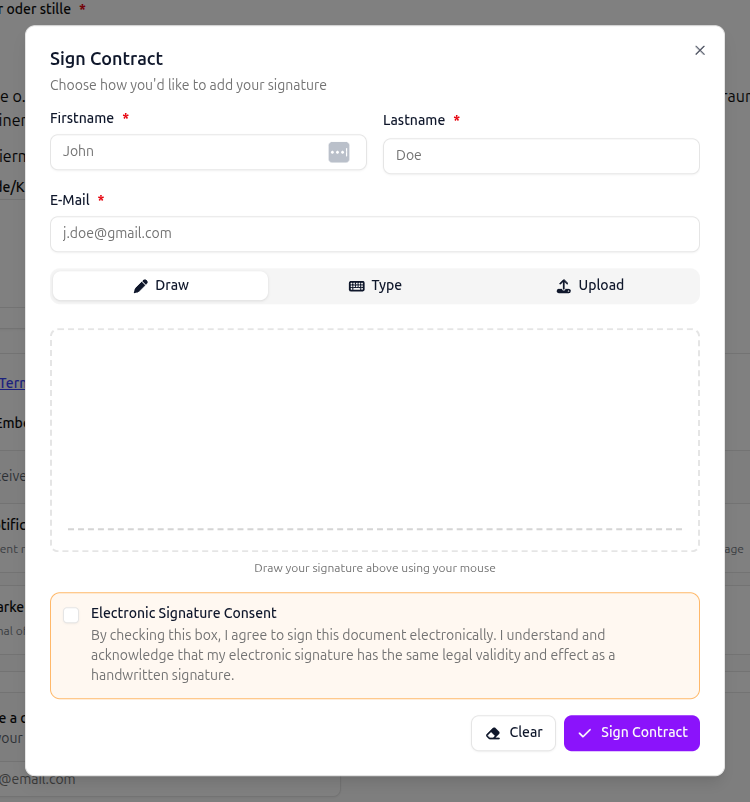
On the Draw tab, the customer can freely draw their signature using their finger on a touchscreen or their mouse on a desktop. This provides the most natural signing experience.
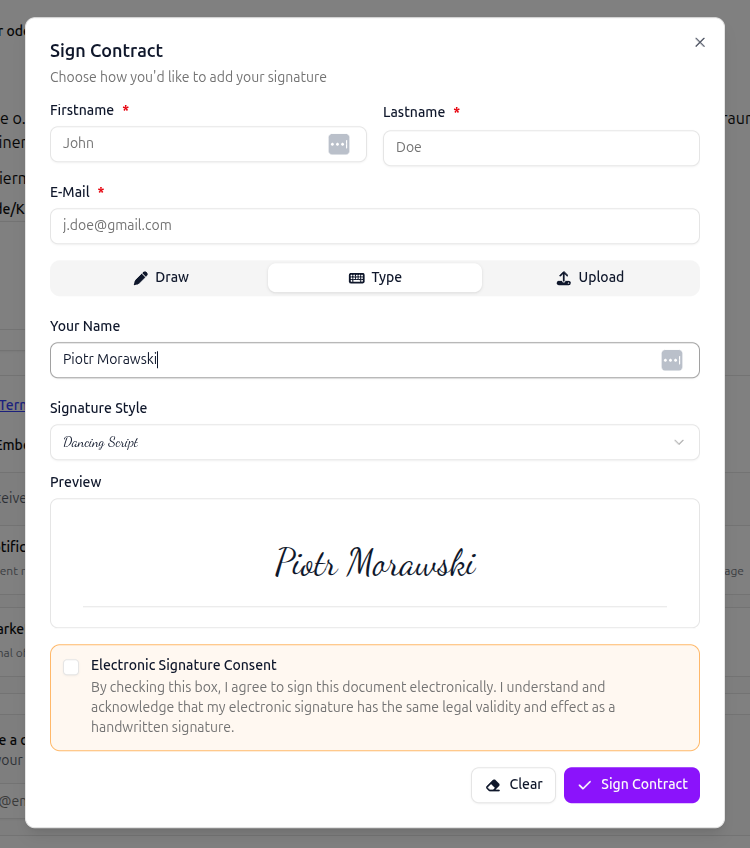
On the Type tab, the customer types their name and selects a signature style font. A live preview shows how their signature will look. Available fonts include Dancing Script, Great Vibes, Allura, Pacifico, and Sacramento.
Upload
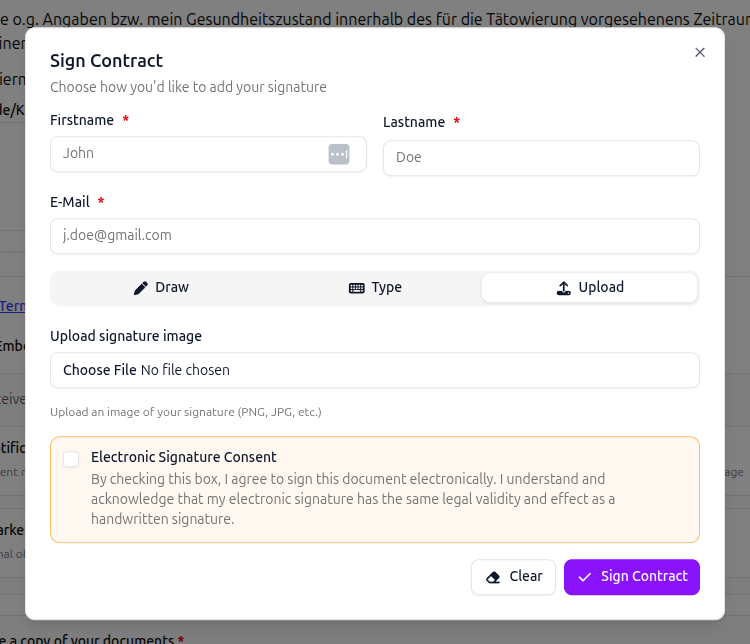
Section titled “Upload”On the Upload tab, the customer can upload an image file of their signature (PNG, JPG, etc.). This is useful if the customer already has a digital copy of their signature saved on their device.
Security and compliance
Section titled “Security and compliance”When a customer signs a contract, inkStar captures all data required by eSign law to ensure the signature is legally binding and verifiable. This includes:
- The customer’s IP address
- Device and operating system information
- Browser and language settings
- Screen resolution and touch capability
- Timezone and UTC offset
- An exact snapshot of the contract as it appeared at the moment of signing, so it can always be proven what the customer agreed to
- The signature image, stored with a hash for integrity verification
- Timestamps for every action (viewing, downloading attachments, signing)
All personally identifiable information is encrypted at rest. inkStar captures everything that can be captured to provide the strongest possible audit trail for every signed contract.